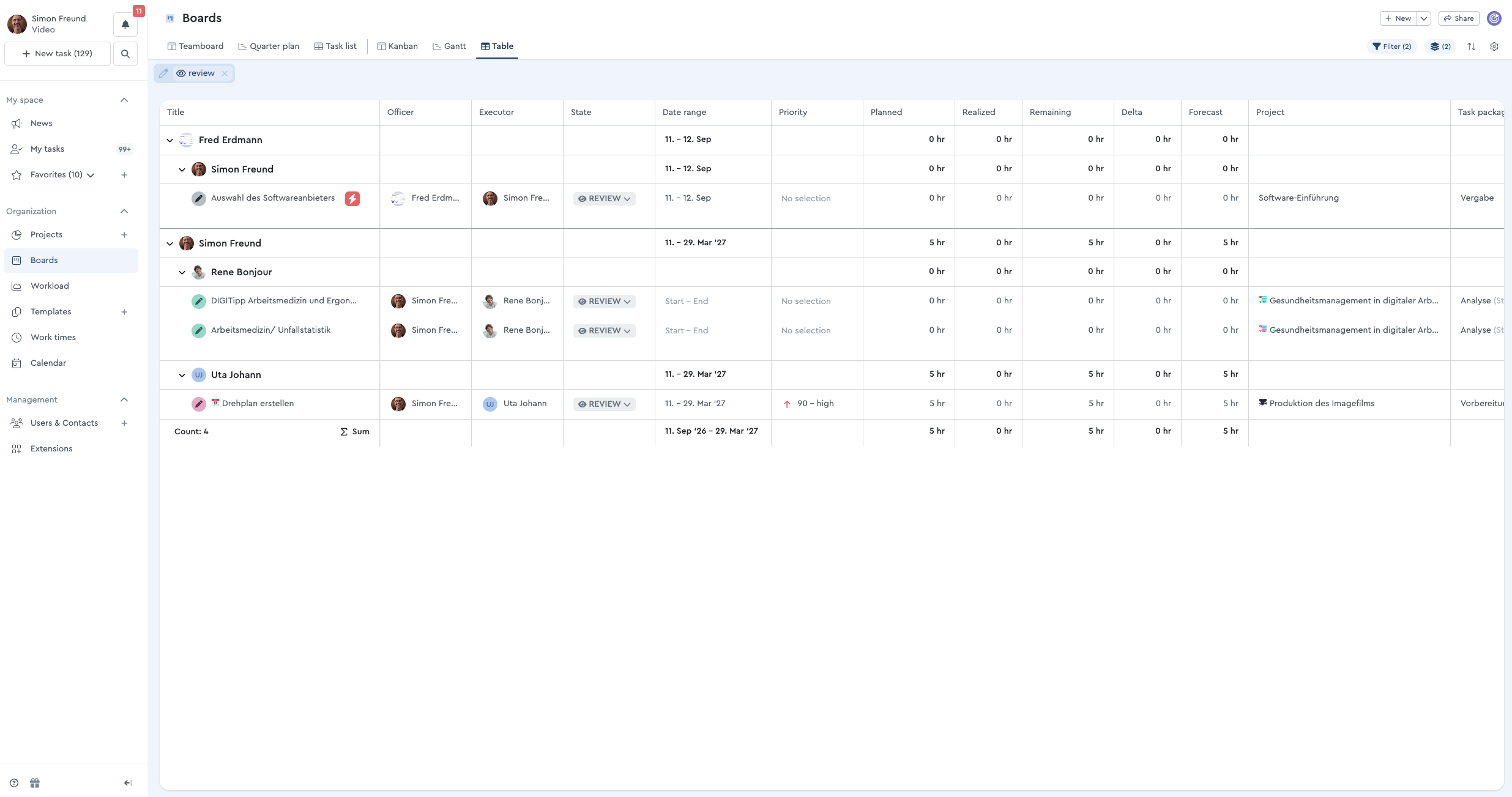
The table lists all tasks, regardless of the project. Here, you have a comprehensive overview of all your to-dos and can filter and group them however you like to create the best view for you.
Which tasks are currently active?
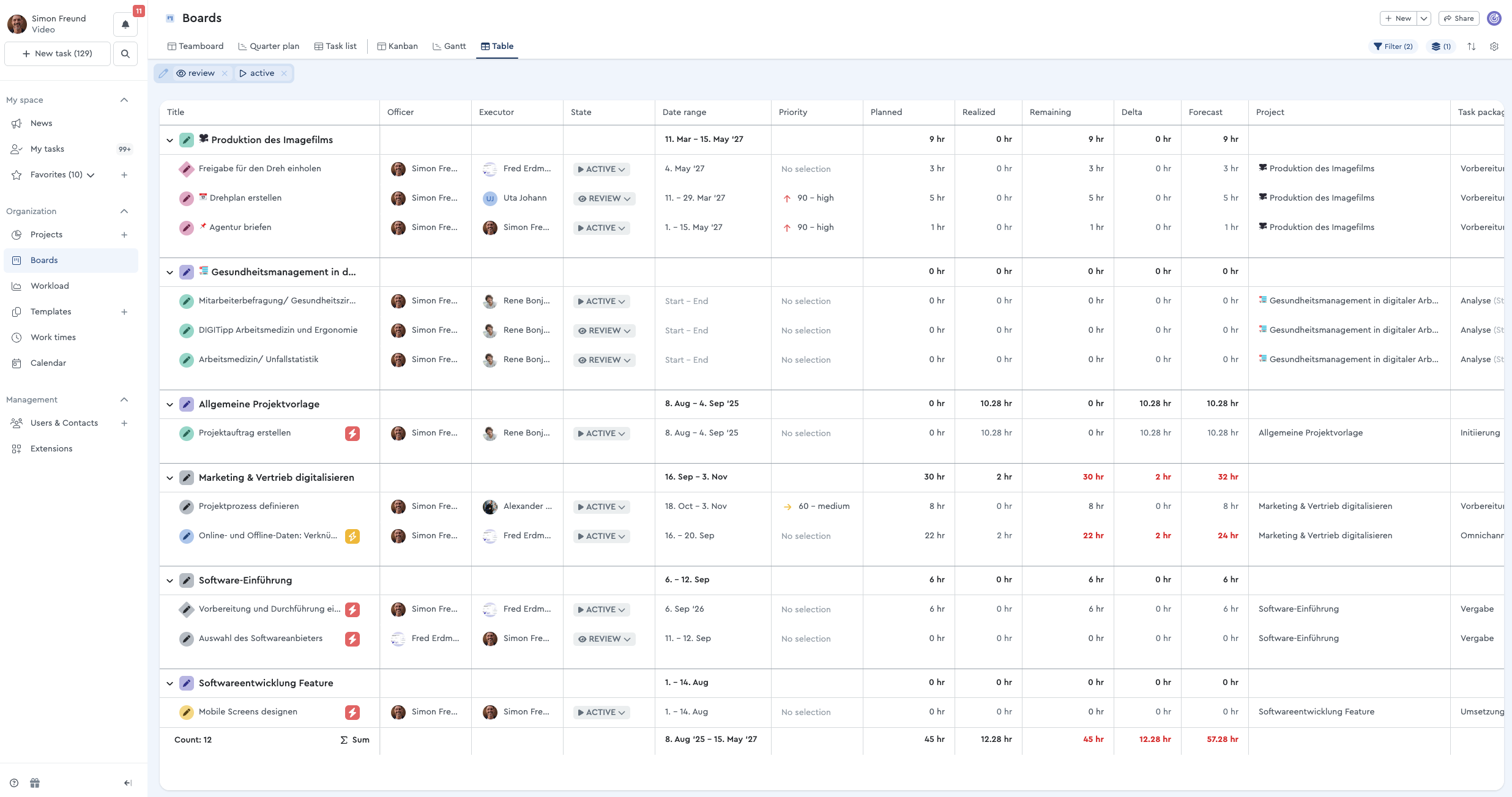
To get a quick idea of what’s currently pending in the various projects, use the following settings: Filter by active tasks and those with the “Review” status. Under “Grouping,” you can then filter by project on the first level.
Where are the delays occurring?
If you just want an overview of where feedback is still pending, set the filter to “Status” and then “Review.” You can then use the grouping to filter by “Responsible” on the first level and by “Performer” on the second level. This allows you to see exactly where feedback is pending and which tasks might be causing delays.